How Can We Help?
How to Transfer Pictures from a Phone to MacBook
Step 1:
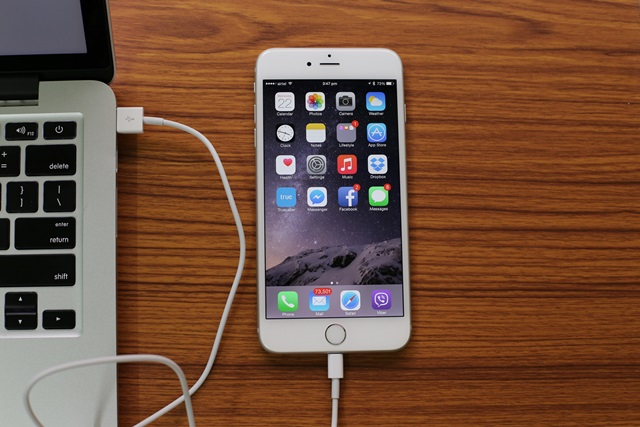
Plug in your phone using the lightning cable into one of the USB slots.
Step 2:
Click Trust on your phone to allow the computer to access it.

Step 3:
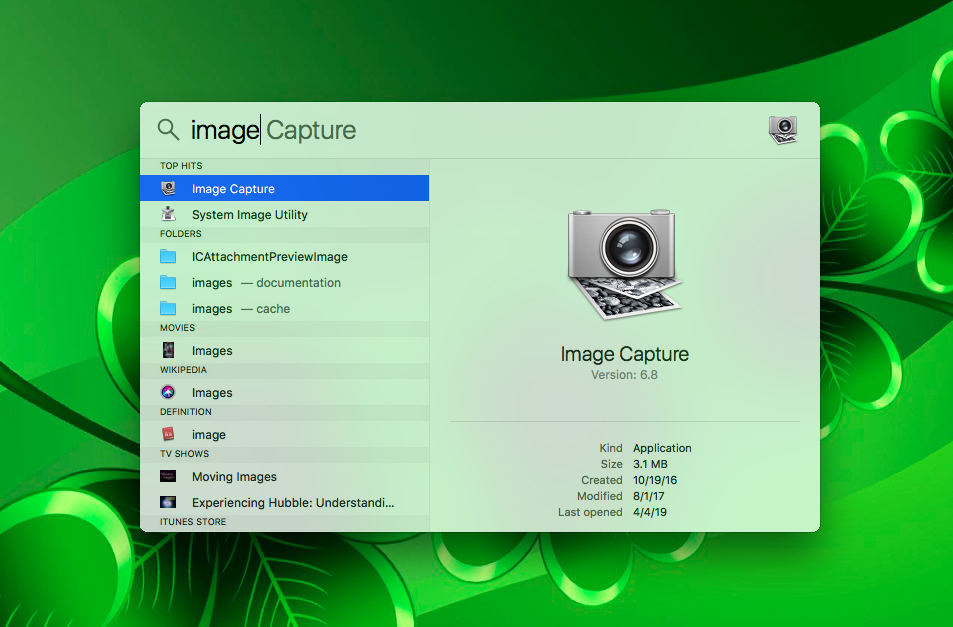
Search up the application Image Capture on the search bar and open the application. Make sure your phone is unlocked to access the photos.
Step 4:
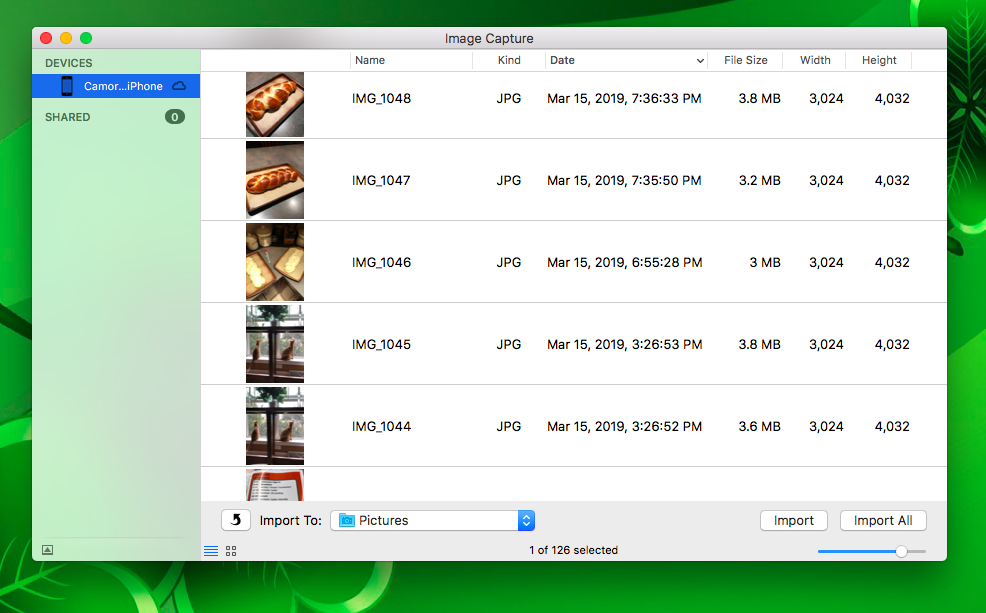
Click on your device on the left-hand side of the application and then select the import location. You may either select individual images to import or all of the images on the bottom right.